
How to Build a Design System With Claude Code
Your WordPress theme was enforcing design consistency invisibly. When you migrate to a custom Claude Code build, that disappears. Here is how to replace it with four files.
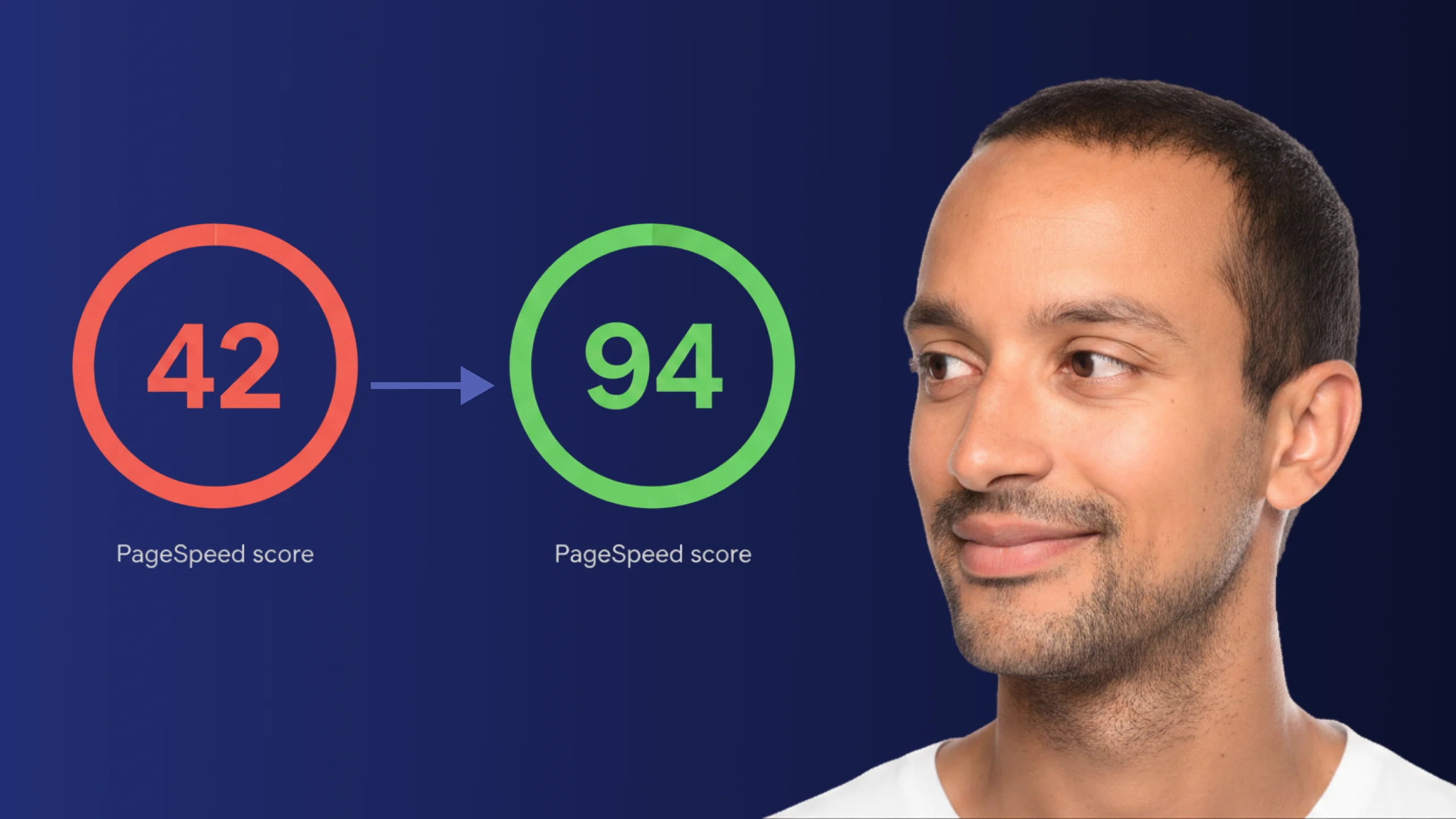
Read articleA PageSpeed score of 42 is not just slow - it is losing you real traffic on every visit. Here is exactly how Claude Code diagnosed and fixed the performance issues that moved this site from 42 to 94.
When someone clicks your paid ad and watches a loading spinner for five seconds, they leave. That click cost you money. The conversion never happened. If your PageSpeed score is in the 40s, this is not a technical problem - it is a business problem playing out on every visit.
A score of 42 does not mean the site is broken. It means it is slow enough to cost you at every layer: search rankings, paid traffic, email campaigns, direct visits. Most of those losses are invisible because they happen before anything is tracked.
PageSpeed is not glamorous to fix. On most sites it comes down to five file changes - image formats, layout stability, script timing. Those five changes moved this site from 42 to 94 in a single session. The same fixes appear on almost every site in that range.
The process has four steps.
The sections below explain what happens at each step and why the order matters.
Most site owners think of PageSpeed as a technical metric. It is not. It is a business metric with a direct line to every channel that sends you traffic. These are the ten costs that most people do not connect to their score until they see them listed together.
Every paid click costs more than it should - Google and Meta factor landing page speed into your ad quality score. A slow page raises your cost per click automatically. You do not see it as a line item - you see lower return on every campaign you run.
Competitors rank above you on Google - Page speed is a confirmed ranking signal. A site that scores 90 gets a structural advantage in search results over a site that scores 42, regardless of how good the content is.
Email campaigns send traffic to a page that throws it away - You built the list, wrote the sequence, sent the email. Someone clicks through, waits, and leaves. The campaign cost was real. The page lost the sale before the copy had a chance.
Mobile visitors leave in three seconds - More than half of all web traffic comes from phones. On a mobile connection, a page scoring 42 can take 8 to 12 seconds to become usable. Most visitors are gone before that.
Your retargeting pixel never fires - If a visitor leaves before the page loads, the tracking script has not run. They never enter your retargeting audience. You cannot reach them again with ads, no matter how much you spend.
Sales demos lose momentum at the wrong moment - “Let me pull up the site for you” ends with both of you watching a spinner. That pause takes longer to recover from than a bad answer.
Social traffic does not wait - Someone who tapped through from an Instagram story was already half-distracted. Good social content sending people to a slow site is budget spent on traffic you immediately lose.
Slow pages cost more on every paid channel - Google, Meta, LinkedIn - all use landing page quality to determine your ad costs. Faster pages get better placement at lower cost. A slow page pays a performance tax on every campaign running.
The site makes its first impression before anyone reads a word - Clients, investors, partners - they open your site before the call. A five-second wait before the homepage appears is the first experience they have. The content never gets the chance to fix it.
The score is public and checkable in ten seconds - Anyone can run your site through PageSpeed Insights. A score of 42 next to a competitor’s 94 is a visible credibility gap - it answers the question “which of these two businesses takes their work seriously” before a single word is read.
PageSpeed Insights measures several things at once: how fast the first content appears on screen, how stable the layout is while the page loads, how long before the page responds to a tap or click. Each factor has a score. Together, they produce the number you see.
A score in the 40s means the site is failing several of these at once. Not completely broken - but failing in ways that add up. Large images delay the first thing you see. Style code that is never used still forces the browser to download it. Scripts that run too early make the page wait before showing anything.
The problems are not mysterious. They are fixable. The hard part is knowing which ones to fix first, because fixing them in the wrong order produces small gains when large gains are available.This is where most improvement efforts stall. The audit gives you a list. Without context, you can spend hours on low-impact changes and miss the ones that move the score.
The typical approach is to read the audit, search for each issue separately, find a fix, apply it, and check whether the score moved. This is slow and inconsistent because many fixes are connected - what you change in one place affects what needs to change in another.
Claude Code changes the sequence. You give it the full audit report and it reads everything at once. It identifies the issues, ranks them by impact, and then works through each fix with you in the same session.
The agent reads your site’s files directly, finds exactly where each problem lives, and writes the specific changes needed.
The difference is not just speed. It is accuracy. You are not guessing what will move the number. You are working from a complete analysis of your specific site.
Fixing PageSpeed does not fix your offer, your content, or your conversion rate. A score of 94 on a page with the wrong message still loses visitors. But a score of 42 loses visitors before they ever see the message - and that is the problem to fix first, because without it, nothing else gets the chance to work.
On this site, the issues that mattered most were the following.
What the audit flagged - ranked by impact
Claude Code read the full report, identified these five issues, explained which to fix first and why, and then worked through each change - converting the images, setting fixed sizes, removing unused style code, adjusting when scripts run, and making off-screen images load only when needed.
The image format change alone moved the score by approximately 20 points. The layout jump fixes added another 15. By the time all five were addressed, the score had moved from 42 to 94.None of these required deep technical knowledge to implement. They required knowing exactly what to change, in what order - which is what the audit, read correctly, tells you.
This is the actual session - me walking through the fixes we ran on the Agent Builder Academy homepage.
The workflow is the same for any website.
Open PageSpeed Insights and run your site. When the results load, look for the download icon in the top right of the report - click it to save the full report file. Open a Claude Code session, paste the complete report, and ask the agent to rank the fixes by impact and walk you through them one at a time. Apply each fix in the same session, then re-run the audit to confirm the improvement before moving to the next issue.
The score you reach depends on your starting point. What does not change is the process: full audit first, fixes in the right order, results verified.
When the next client opens your site on their phone and it loads in under two seconds, you do not have to explain the score. The experience does it.
This is part of the Build System - the layer where Claude Code stops being a tool you experiment with and starts producing real, measurable results. The Website PageSpeed Template contains the full prompt pack, fix checklist, DevTools guide, and video walkthrough used in this optimization.
No. Claude Code handles the actual changes to your files. What you need is the ability to open a terminal, start a Claude Code session, and paste the audit report into it. The agent identifies the problems, writes the fixes, and explains each step. Your job is to review each change before it is applied and re-run the audit when the session is done.
Run PageSpeed Insights on your site. When the results appear, look for a small download icon in the top right of the report. Click it to download the report file. Open it in any text editor, select everything, and paste it into your Claude Code session. The agent needs the complete file - not just the summary score - because the detail is what tells it which files are causing each problem.
The audit works on any public website. What Claude Code can fix depends on whether you have direct access to your site’s files. If you do - on any custom-built site or a platform that gives you file access - it can implement every fix in the same session.
This workflow is not for people who have no file access and no developer to hand off to. If your site is on a fully hosted platform with no way to edit files, Claude Code can still read the audit and tell you exactly what needs fixing - but someone with file access needs to make the changes. The diagnosis is free; the execution depends on your setup.
Yes. Google treats anything below 90 as needing improvement, and users on slower connections will notice the difference. The same workflow applies: run the audit, paste the full report, work through the highest-impact fixes in order. In that range, fixing the image format and layout stability issues alone typically moves the score past 85 in a single session.
One week free. If you want to try Claude Code before you commit, Anthropic offers a free week through referral. Start your free week here - no payment needed to begin.
May you build Greatness! 🍀
Michael
The complete workflow used in this optimization - prompt pack, fix checklist, DevTools guide, verification workflow, and video walkthrough. Run it on your site this week.

Your WordPress theme was enforcing design consistency invisibly. When you migrate to a custom Claude Code build, that disappears. Here is how to replace it with four files.
Read article
Claude Code is not a developer tool. It is the tool that builds the marketing automations you keep describing in chat. No developer needed.
Read article
ChatGPT and Claude Code look identical at the surface. The relationship underneath is completely different - and switching without understanding that difference is where most builders get stuck.
Read article