You add a CLAUDE.md to your project. The agent reads it. The rules are there. Then you start working inside a specific folder, and something goes slightly wrong - a convention ignored, a decision made that contradicts what you thought you told it. You check the file. The instructions are still there. Nothing changed.
The agent did not ignore your rules. It followed them from where it was standing. And from where it was standing, there was no map.
Documentation sits. A map is consulted.
This is the distinction that changes how you think about CLAUDE.md.
Documentation is passive. It exists in your repository for humans to read when they choose to. A README answers questions. An inline comment explains a decision. Documentation has no timing - it sits and waits.
A map is different. It is consulted automatically, at the start of every session, to answer one question: where am I? When Claude Code opens a session in your repository, it reads your CLAUDE.md before it does anything else. That file is its first orientation. It tells the agent what the project is, what the rules are, and what conventions apply here. Without it, the agent proceeds with no context about where it has landed.
Most builders write a CLAUDE.md once, treat it like a setup step, and move on. The result is an agent that works reasonably well at the root level and starts making odd decisions everywhere else.
The hierarchy most builders miss
CLAUDE.md is not one file. It is a system of maps.
Claude Code supports sub-directory CLAUDE.md files. When the agent works inside a specific folder, it reads the CLAUDE.md closest to that location first, then layers in the root. A CLAUDE.md in /src/api/ tells the agent the rules for that part of the project. One in /tests/ tells it what testing means in your specific context. One in /docs/ can define writing conventions that only apply to documentation.
Local Sub-directory CLAUDE.md - rules for this specific area.
Project Root CLAUDE.md - overall project rules and conventions.
Global ~/.claude/CLAUDE.md - personal rules across all projects.
The agent layers these. When it works in /src/api/, it knows both the project-level rules and the local ones for that directory. The local map wins when there is a conflict.
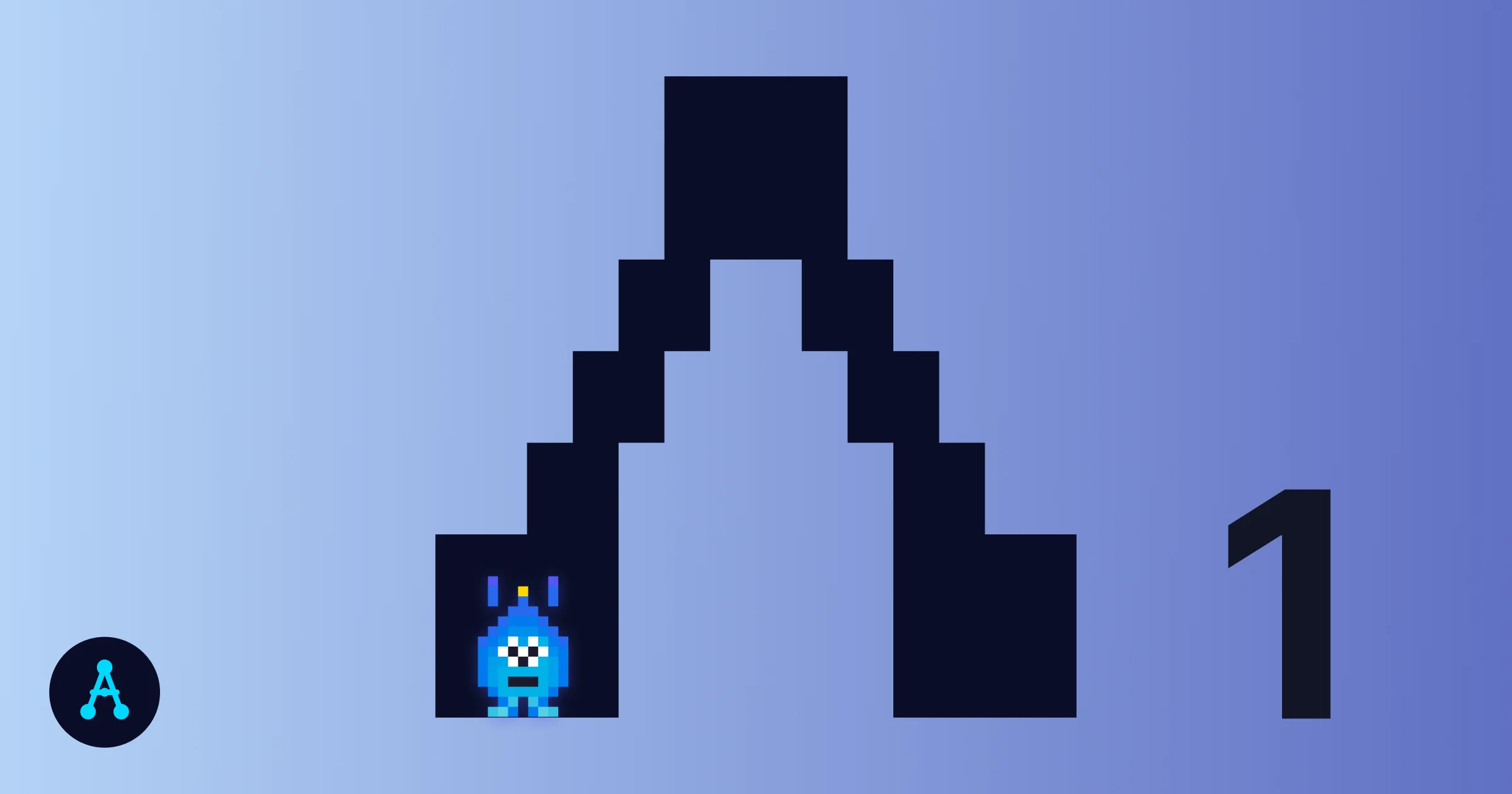
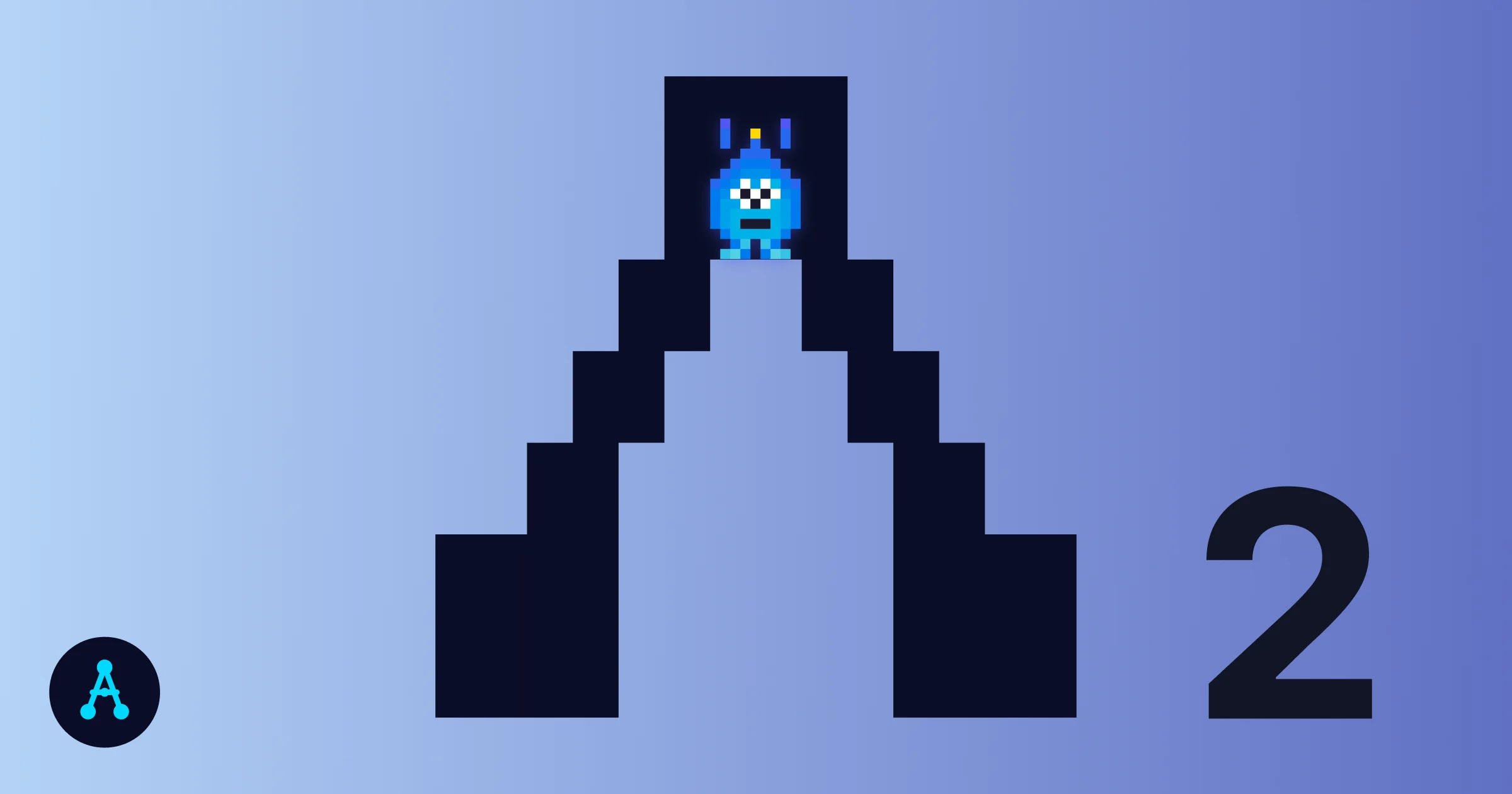
Think of it as scale. The root CLAUDE.md is the country map - broad rules, project purpose, main conventions. A sub-directory CLAUDE.md is the city map - it zooms in on what matters in this specific territory.
What breaks when the map is missing
Here is the part that trips people up. If you put a CLAUDE.md in the wrong place, or forget one in a directory where it matters, the agent does not stop. It does not say “map not found.” It proceeds without it.
This is the difference between missing documentation and a missing map. Missing documentation is obvious - you look for it and it is not there. A missing map is invisible in the moment. The agent keeps working. It just works without the context you thought it had. This is why agents seem to “forget” your rules when you move into a different part of a project. The rule was not forgotten. It was never loaded for that location.
One root CLAUDE.md
- Rules apply at the root level
- Sub-directories get no local context
- Agent makes decisions based on general rules where specific ones were needed
- Errors are subtle and hard to trace back to missing context
Map hierarchy
- Root rules apply everywhere
- Sub-directories load their own context on top
- Agent knows the local rules for each territory it enters
- Decisions are consistent with what you intended for that specific area
What a map contains
A CLAUDE.md that works as a map answers three questions for the agent every time it opens a session:
Where is this? What is the project, what does it do, who is it for. Not a paragraph of backstory - two or three sentences that orient the agent to the purpose of the territory it is working in.
What are the rules here? Conventions, constraints, things not to touch, patterns to follow. The more specific, the more useful. “Use Tailwind” is weaker than “Use Tailwind utility classes only - no custom CSS files.”
What matters in this location? For sub-directory maps, this is the most important question. A CLAUDE.md in your API folder should explain the architecture of that layer. One in your tests folder should define what a passing test looks like. The agent can only follow local rules if someone wrote them down for that location.
Start with the root. Expand as the project grows.
You do not need to write every sub-directory map on day one. Start with a solid root CLAUDE.md. As you notice the agent making odd decisions in a specific area, that is your signal - this territory needs its own map.
The Claude Code Starter Guide includes a CLAUDE.md template built around this principle. It gives you the root structure that most builders need, with clear sections for project context, rules, and conventions. From there, adding sub-directory maps is a matter of copying the structure and adapting it to the specific territory.
The goal is an agent that knows where it is at all times - not because you told it every session, but because the map is already there.
For builders starting from scratch, the guide for beginners walks through the initial Claude Code session before building your first map.
One week free. If you want to try Claude Code before you commit, Anthropic offers a free week through referral. Start your free week here - no payment needed to begin.
This is part of the Foundation System - the file that gives Claude a map of your project before you say a word.
May you build Greatness! 🍀
Michael