How to Build a Design System With Claude Code
Your WordPress theme was enforcing design consistency invisibly. When you migrate to a custom Claude Code build, that disappears. Here is how to replace it with four files.
Read articleClaude.ai, Claude Cowork, and Claude Code share the same model but work at completely different distances from your project. Picking the wrong one is not a preference question - it is a sign of where you are as a builder.
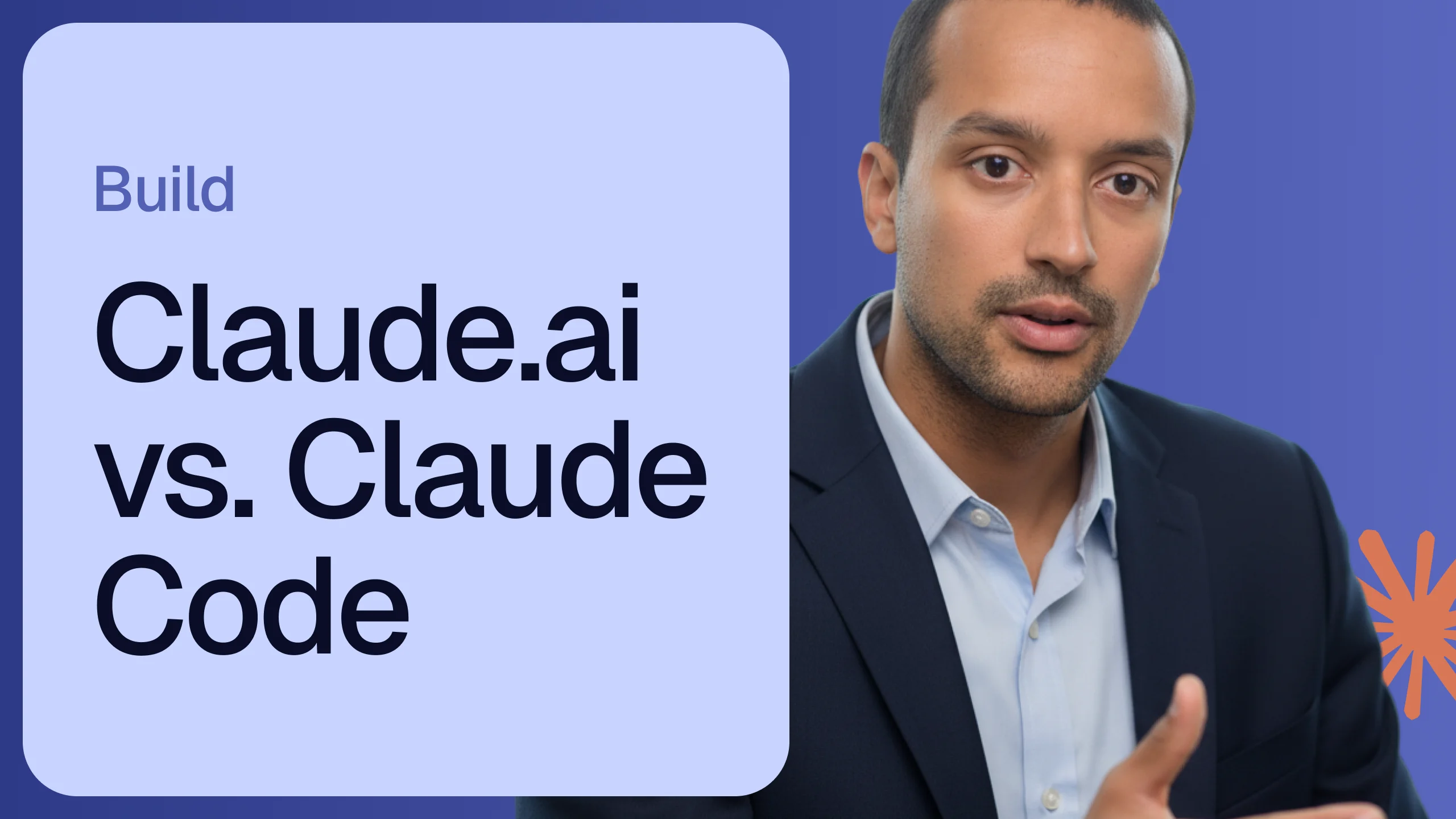
Anthropic ships three tools under the Claude name. Same model, same brand, same underlying intelligence. From the outside the choice between them looks like a preference. From the inside it is something more structural - each one places the agent at a different distance from your work, and that distance changes what the agent can actually do.
Claude.ai is the browser interface most people encounter first. You open a tab, write a message, and receive a response. The agent lives entirely on Anthropic’s servers. Nothing on your machine is touched.
That separation is not a limitation. It is what makes this tool right for a specific kind of work.When you need to think through a problem, draft something long, or analyze a document you can paste in, the web interface is direct and returns results fast. It handles reading and writing with a tone that feels grounded rather than mechanical. The Artifacts panel - where Claude renders live outputs like charts, mockups, or small interactive tools - makes it useful for visual iteration as well.
What it cannot do is reach outside that browser window. Your local files, your codebase, your applications are invisible to it. That makes it a strong advisor and a limited executor. The thinking happens; the doing does not.
Claude Cowork runs as a desktop application. That change in location signals a change in what the agent can see. Cowork observes your screen and interacts with it - opening files, reading folder contents, moving information between applications, and completing multi-step tasks without you directing each one manually.
Where Claude.ai gives you a response, Cowork carries out a sequence of actions on your behalf.The work it does well is the kind that sits between applications rather than inside one. Organizing a folder of invoices. Extracting data from a stack of documents. Taking notes from a meeting and turning them into a formatted output somewhere else. You describe what needs to happen and Cowork works through the steps.
The constraint is that it operates at the surface level of your computer - it sees what is on the screen. It does not understand your codebase as a connected system. It can read files, but it cannot reason about how they depend on each other or what changing one file means for the rest.
Claude Code runs in your terminal. That single placement changes almost everything.
Operating inside your terminal means Claude Code has access to your entire project at once - not just the file you are looking at, but the structure underneath it. It understands how components connect, how data moves between layers, and what a change in one part of the system implies for another.
Claude Code does not give answers. It does work.When you describe a bug, it locates the relevant code, writes the fix, runs your test suite to confirm the change holds, and prepares the commit. When you add a feature, it reads the parts of the codebase that matter first, then builds. It does not stop to ask for context you have already given it somewhere in the project.
This level of access requires something in return. Claude Code works best when the project is structured to support it - clear conventions, a working CLAUDE.md, enough scaffolding that the agent knows what it is working with. Without that, the depth of access that makes it powerful also makes it harder to predict.
These tools are not alternatives. They are stages.
Most builders start with Claude.ai - it requires no setup and returns immediate value. Cowork becomes useful when the work that needs doing spans multiple files or applications. Claude Code becomes relevant when the work is technical and the builder is ready to give the agent direct, structural access to the project.
Choosing between them is less a question of taste and more a question of where you sit on the Agent Power Level scale. Claude.ai fits APL 1. Cowork sits between APL 1 and APL 2. Claude Code is the entry point to APL 3 - the level where the agent stops being an assistant and starts being a collaborator.
If Claude Code is the next step, the guide for beginners covers the first session from setup to real output.
One week free. If you want to try Claude Code before you commit, Anthropic offers a free week through referral. Start your free week here - no payment needed to begin.
This is part of the Build System - the layer where you move from chat to real project work. The Claude Code Starter Guide is where that starts.
May you build Greatness! 🍀
Michael
Your WordPress theme was enforcing design consistency invisibly. When you migrate to a custom Claude Code build, that disappears. Here is how to replace it with four files.
Read article
Claude Code is not a developer tool. It is the tool that builds the marketing automations you keep describing in chat. No developer needed.
Read article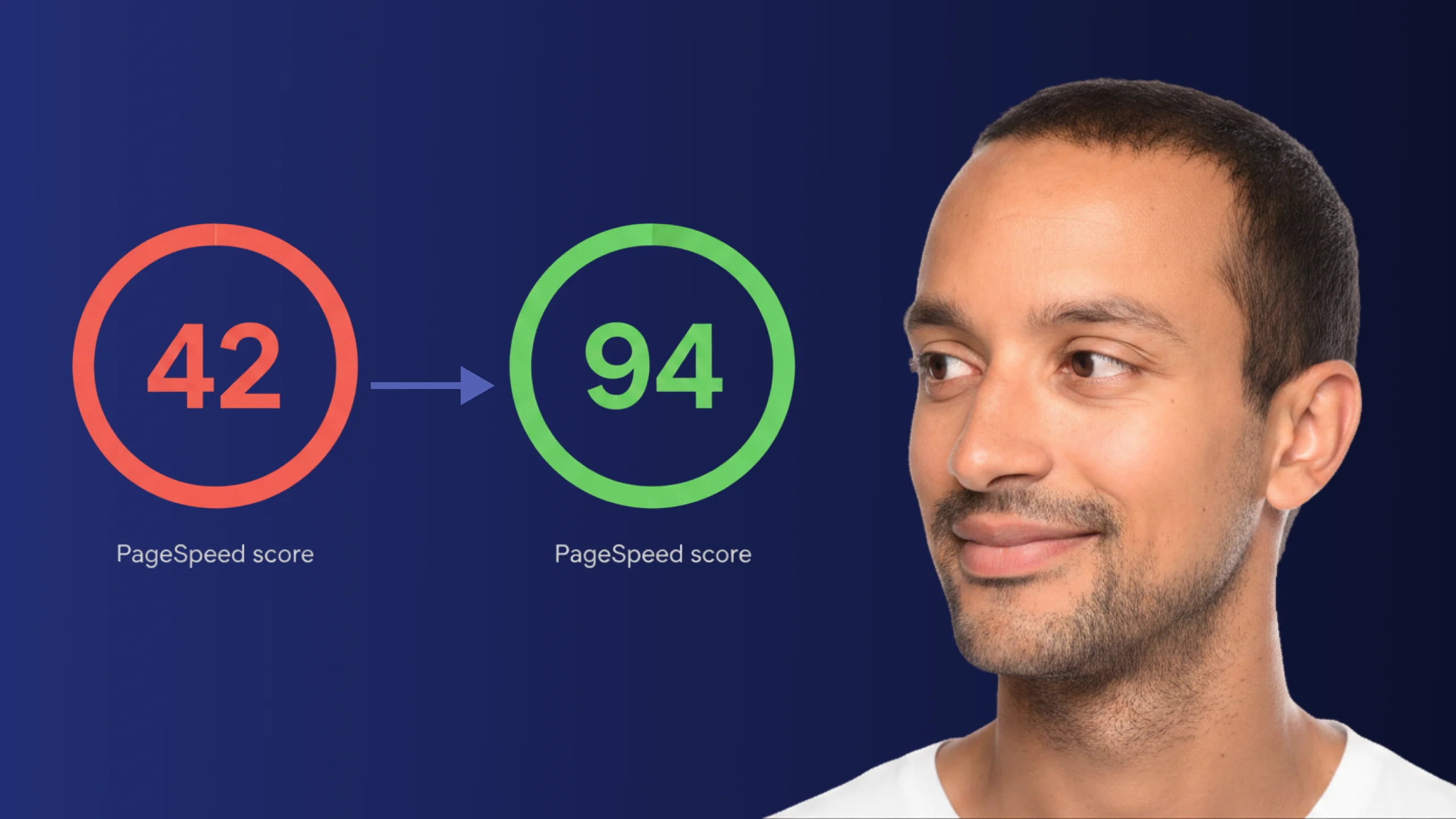
A PageSpeed score of 42 is not just slow - it is losing you real traffic on every visit. Here is exactly how Claude Code diagnosed and fixed the performance issues that moved this site from 42 to 94.
Read article