
How to Build a Design System With Claude Code
Your WordPress theme was enforcing design consistency invisibly. When you migrate to a custom Claude Code build, that disappears. Here is how to replace it with four files.
Read articleMost Claude Code problems are not model problems. They are setup problems. Here are the practices that keep your output consistent across sessions.

Consistent output from Claude Code is not about luck. It is about setup.
Most people think when Claude gives different results on different days, something changed in the model. Usually nothing changed. What changed is the context. Every new session, Claude Code starts without memory. Without a configuration file to read, every session is the same as the first - generic, uninformed, inconsistent.
The practices below fix that. They come from real projects, not theory.
CLAUDE.md is the single highest-impact change you can make for consistency. It is a file Claude Code reads before every response. Your project rules, your coding standards, your workflow preferences - all in one place.
You do not need to write it manually. After your first session, ask Claude Code to create it:
“Review what we built today. Create a CLAUDE.md that captures the project, the stack, and the rules you should follow. Ask me any questions you need first.”
Answer its questions. It writes the file. Review it. That is your configuration. Do this once - before session two.
Trying to do five things in one session is the fastest way to get inconsistent output.
Claude Code works best when the task is clear and bounded. “Build the contact form” is a session. “Build the contact form, fix the navbar, update the homepage copy, and add a new page” is four sessions pretending to be one.
When a session drifts across too many tasks, context gets noisy. Output quality drops. Errors compound. One task. Clear brief. Good output.
Your CLAUDE.md holds rules. Your MEMORY.md holds decisions.
Every session produces new decisions. Which color you chose. Which approach you took. Which direction you rejected and why. Without writing them down, they disappear when the session ends.
Ask Claude Code to update MEMORY.md after every session:
“Review the decisions we made today and update MEMORY.md with anything important.”
This keeps your agent informed across weeks, not just hours.
Sometimes a session gets messy. Too many corrections. Output shifts. Claude Code stops following rules it understood an hour ago.
When that happens, stop. Do not keep correcting. A clean session with a clear brief always beats a messy one.
Before you start the new session, update your CLAUDE.md with what you learned. Then start fresh. You will move faster in session two than you ever would have in the broken one.
“Make it look better” gives Claude Code nowhere to go. “Change the card background to #F5F5F7, add a 1px border, and increase the padding to 24px” gives it a target.
The more specific you are about the output format, the less back-and-forth you need. Before you write an instruction, ask yourself: could Claude Code produce five completely different things that all technically satisfy this request? If yes, make it more specific.
For projects that run across many sessions, a /docs folder changes how much context Claude Code can hold.
Each file in /docs covers one topic. Your project architecture. Your design decisions. Your API structure. Claude Code reads these files on demand. It stops relying on you to re-explain things you already wrote down.
The longer the project, the more this matters. Start simple - one file per major area. Grow it as the project grows.
These practices compound. Each session builds on the last. After four or five sessions with a proper setup, you move faster than someone without it who has been using Claude Code for months.
One week free. If you want to try Claude Code before you commit, Anthropic offers a free week through referral. Start your free week here - no payment needed to begin.
This is part of the Build System - the layer that makes every session produce better output than the last. The Starter Guide gives you the foundation to put all of this in place in one session.
Next in this series: Claude Code Setup Guide
May you build Greatness! 🍀
Michael
Your WordPress theme was enforcing design consistency invisibly. When you migrate to a custom Claude Code build, that disappears. Here is how to replace it with four files.
Read article
Claude Code is not a developer tool. It is the tool that builds the marketing automations you keep describing in chat. No developer needed.
Read article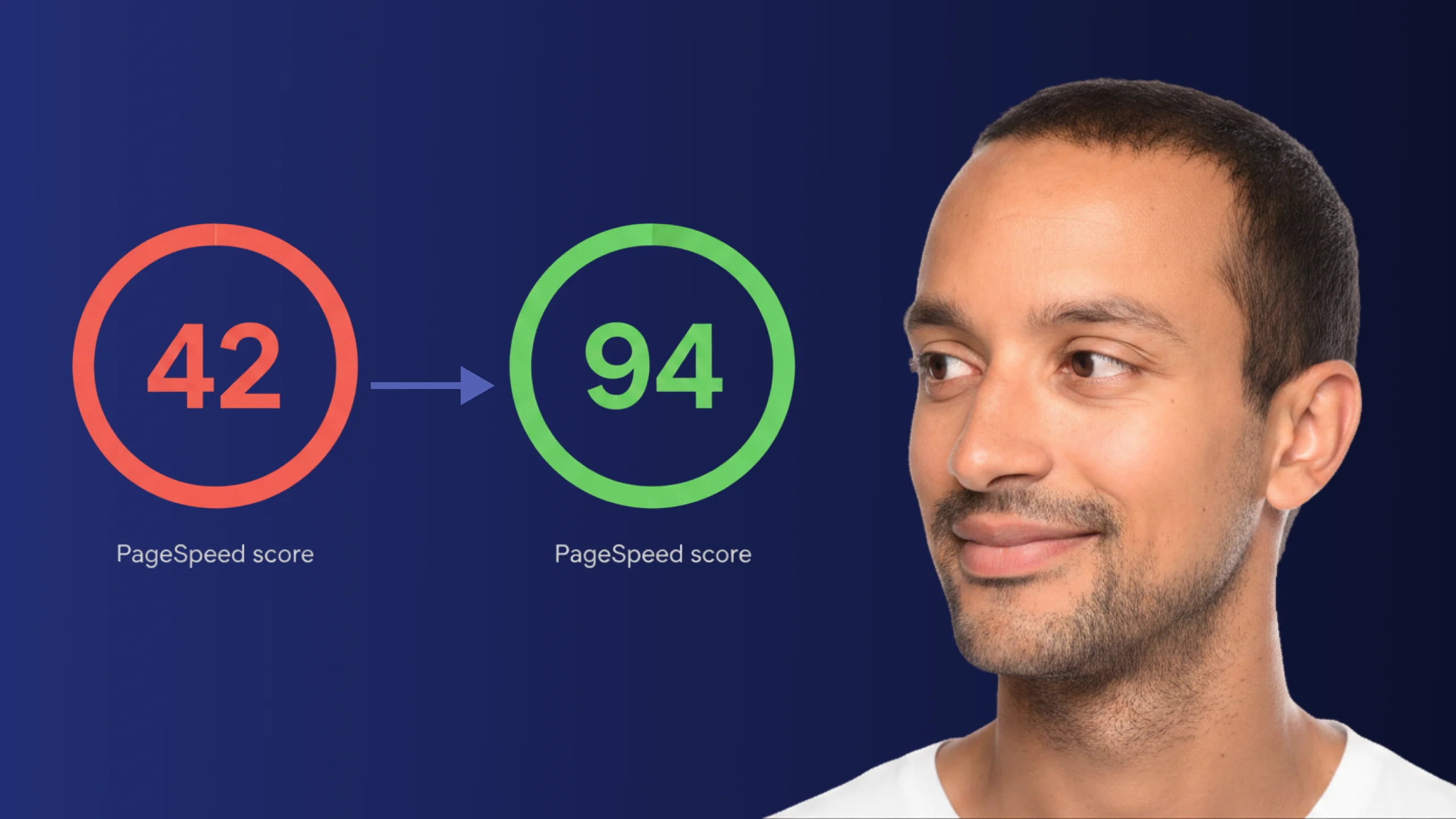
A PageSpeed score of 42 is not just slow - it is losing you real traffic on every visit. Here is exactly how Claude Code diagnosed and fixed the performance issues that moved this site from 42 to 94.
Read article