
How to Build a Design System With Claude Code
Your WordPress theme was enforcing design consistency invisibly. When you migrate to a custom Claude Code build, that disappears. Here is how to replace it with four files.
Read articleMost marketing reports are rebuilt from scratch every week. Claude Code turns your CSV exports into a script that produces the same formatted report automatically.

Friday afternoon. The weekly marketing report is due.
You open three tabs, copy the numbers, format the table, write the summary. Two hours later you send it.
Next Friday you do it again.
This is one of the most expensive habits in a marketing team. Not because the report takes two hours - but because it takes two hours every single week, forever, until someone builds a system to replace it.
Claude Code does not fill in your spreadsheet. It writes the script that fills it in for you.
A report you build manually is work you repeat. A report script runs whenever you need it.Not all report work is the same. Claude Code fits into your reporting at three levels of depth.
Level 1: Analyze data you paste in
You export a CSV from Google Analytics, your email platform, or your ad dashboard. You paste it into Claude Code with a simple request: “Summarize the key trends from this data. Highlight any significant changes from last month.”
Claude Code reads the data, identifies the patterns, and writes the narrative. No setup required. This works in your first session.
Level 2: Build a formatting script
You have the same CSV export every week. The columns are consistent. The formatting you need is always the same.
Claude Code writes a script that reads the CSV and produces your report in a standard format - table, highlights, percentage changes, whatever you need. You run the script each week, pass in the new CSV, and get the formatted output.
One session to build the script. Every week after that: one command.
Level 3: Build a full report pipeline
You export from multiple sources each month. You need the data combined, formatted consistently, and summarized with commentary.
Claude Code can write a pipeline that reads multiple CSVs, merges the data, calculates the metrics you care about, formats the report, and outputs it as a clean document. This takes two or three sessions to build properly. Once it is built, the monthly report runs in minutes.
You have a weekly email performance report. Same columns every week: sends, opens, clicks, unsubscribes. You want a formatted summary with percentage changes and a short insight line.
Here is how the session runs:
claude.python scripts/weekly-email-report.py this-week.csv last-week.csv.Claude Code does not connect to your marketing platforms directly. It reads files.
This means you work with exports - the CSV or spreadsheet you download from each tool. Every major platform supports this: Google Analytics, Google Ads, Meta, LinkedIn, your email platform, your CRM.
EXPORT FORMATS CLAUDE CODE WORKS WITH
The key habit is consistent naming. If your weekly email export is always named email-YYYY-MM-DD.csv and always goes into the same folder, the script can find it automatically. Claude Code can help you set this up in the same session you build the script.
Numbers are easy to format. The harder part of a marketing report is the commentary - the sentence that explains why open rates dropped 8% this week or why paid traffic spiked on Wednesday.
Claude Code can help here too. Once the data is formatted, you can ask it to write a short commentary section: “Based on this week’s data compared to last week, write a 3-sentence summary highlighting the most significant change and one possible reason for it.”
It will not know the real reason - that is your job. But it will write a structured commentary section that you can edit in 30 seconds, rather than drafting from scratch.
Once your report script is working, the next natural step is removing the manual trigger. Instead of running the script yourself every Friday, n8n* can run it automatically.
A simple n8n workflow: every Friday at 9am, n8n downloads the weekly export from your email platform, passes it to your report script, and emails the formatted output to your team. No manual steps. The report arrives without anyone touching it.
n8n is self-hosted and GDPR-compliant - which matters when your reports contain subscriber data or campaign performance from European audiences. It runs on your own infrastructure and does not send your data through third-party servers.
This is the Level 3 version of marketing reporting: Claude Code writes the script once, n8n runs it on schedule, the report lands in your inbox automatically.
The fastest way to start is Level 1: paste in a CSV and ask for an analysis. No setup, no scripts, no project structure needed.
Do this once with a real dataset from your current reporting. It takes five minutes. The output will show you what is possible - and usually surfaces one or two metrics you had not noticed in the manual version.
From there, if the same report comes up every week, you spend one session building the script. The weekly time savings compounds from there.
Partners and tools: Links marked * are affiliate partnerships - we earn a small commission if you sign up, at no extra cost to you. We only recommend tools we would use ourselves.
One week free. If you want to try Claude Code before you commit, Anthropic offers a free week through referral. Start your free week here - no payment needed to begin.
This is part of the Build System - the layer that takes Claude from setup to real marketing output.
May you build Greatness! 🍀
Michael

Your WordPress theme was enforcing design consistency invisibly. When you migrate to a custom Claude Code build, that disappears. Here is how to replace it with four files.
Read article
Claude Code is not a developer tool. It is the tool that builds the marketing automations you keep describing in chat. No developer needed.
Read article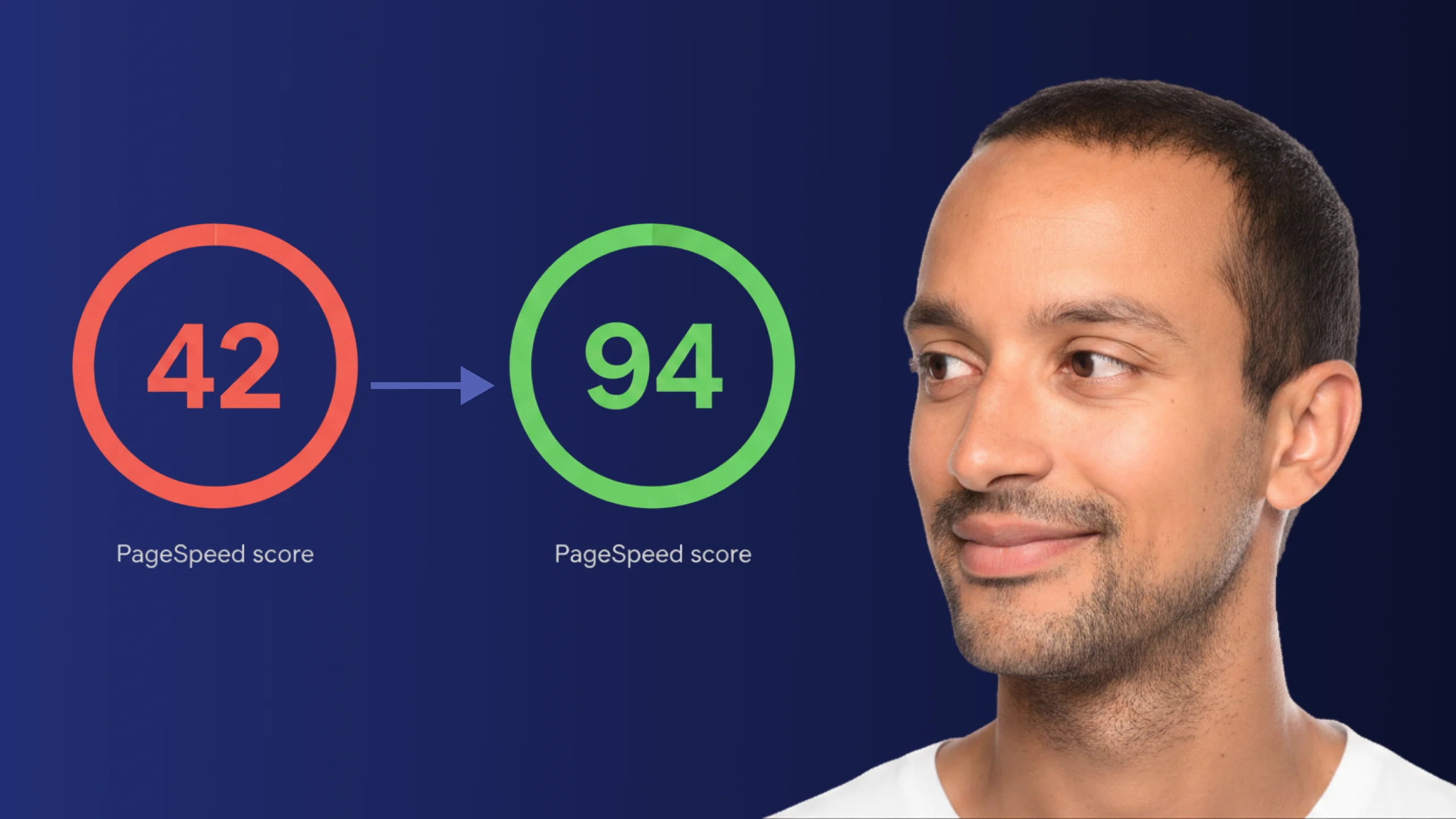
A PageSpeed score of 42 is not just slow - it is losing you real traffic on every visit. Here is exactly how Claude Code diagnosed and fixed the performance issues that moved this site from 42 to 94.
Read article